 Paul Morello
An ASIN (Amazon Standard Identification Number) is the 10-character code Amazon assigns to every product in its catalog — the ID that tells Amazon exactly which product a listing, an ad or an offer belongs to. If you sell on Amazon, ASINs are the plumbing of everything you do: listing products, matching offers, running ads, and tracking what competitors charge for the same item. After fifteen years working with product data across marketplaces, I can tell you that most Amazon catalog headaches — duplicate listings, lost buy boxes, mismatched offers — come down to identifiers. This guide explains what an ASIN number is, how to look one up, how to get an ASIN for your own products, and how ASINs relate to UPC, EAN, ISBN and SKU.
What you’ll find in this guide
- What is an ASIN?
- ASIN lookup: how to find an ASIN
- ASIN vs UPC, EAN, ISBN and SKU
- How to get an ASIN for your product
- Why ASINs matter for sellers
- Frequently asked questions
What is an ASIN?
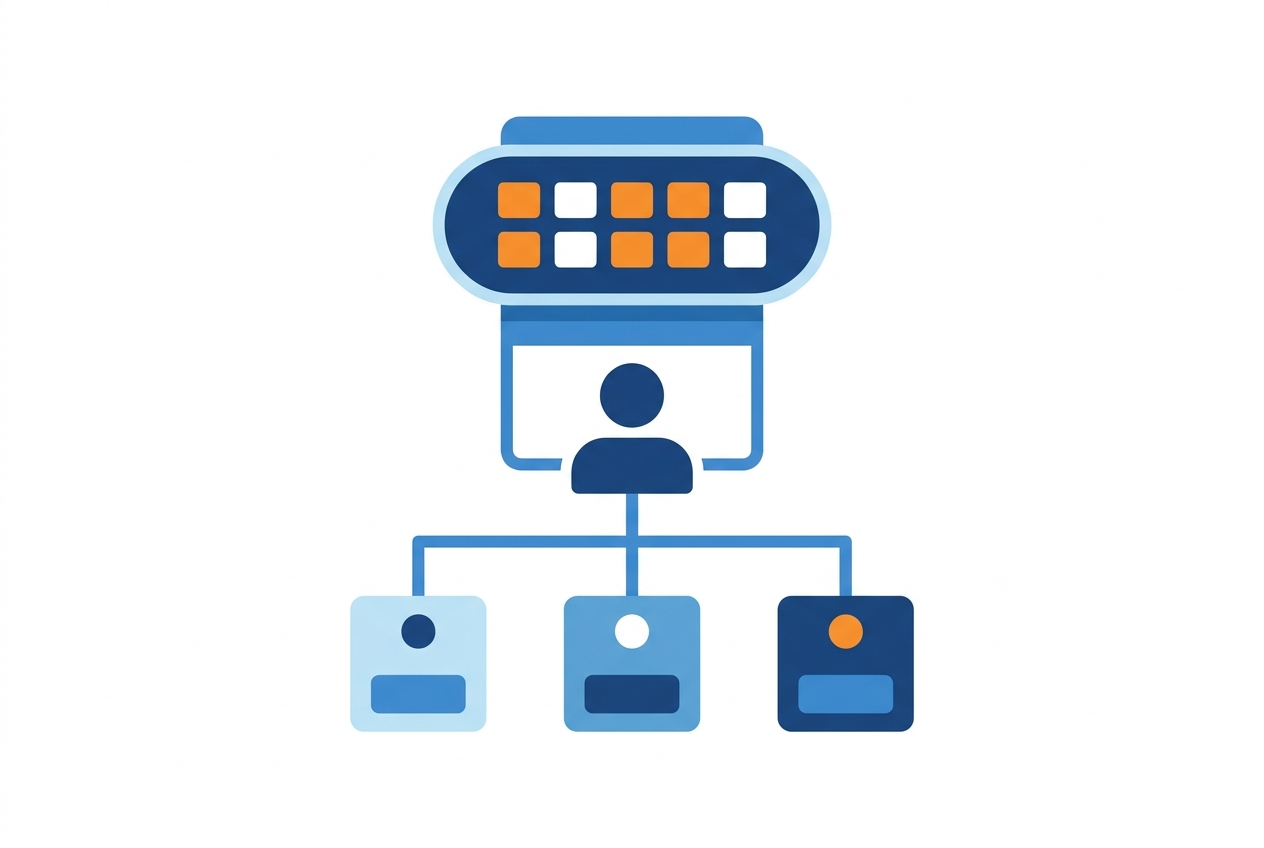
ASIN stands for Amazon Standard Identification Number — a 10-character alphanumeric code that uniquely identifies a product within Amazon’s catalog. Most non-book ASINs start with “B0” (something like B0CXXXXXXX); for books, Amazon simply reuses the ISBN-10 as the ASIN.
The crucial thing to understand: an ASIN identifies a product, not a seller’s listing. If ten sellers offer the same coffee machine, they all attach their offers to the same ASIN, and Amazon shows one product page with ten competing offers behind it. That one-product-one-page model is why identifiers matter so much on Amazon — and why the marketplace is so ruthlessly price-comparable.
ASINs are specific to Amazon’s catalog. The same product usually carries the same ASIN across Amazon’s marketplaces, but it isn’t guaranteed — a product can have different ASINs on amazon.com and amazon.co.uk. Products with variations (size, colour) use a parent ASIN for the family and child ASINs for each variant.
ASIN lookup: how to find an ASIN
Finding an ASIN takes seconds once you know where to look:
- In the product URL. Every Amazon product page contains its ASIN right after
/dp/— for exampleamazon.com/dp/B0CXXXXXXX. This is the fastest lookup there is. - In the product details. Scroll to the “Product information” section of any listing and you’ll find the ASIN listed alongside the other reference data.
- In Seller Central. Your inventory reports show the ASIN for every SKU you list, which is what you’ll use for bulk work.
- By searching an identifier. Paste a UPC or EAN into Amazon’s search: if the product exists in the catalog, the matching ASIN’s page comes up.
For catalogs at scale — matching hundreds or thousands of your products to the right Amazon pages — manual lookup stops being realistic, and identifier-based product matching does the job automatically.
ASIN vs UPC, EAN, ISBN and SKU
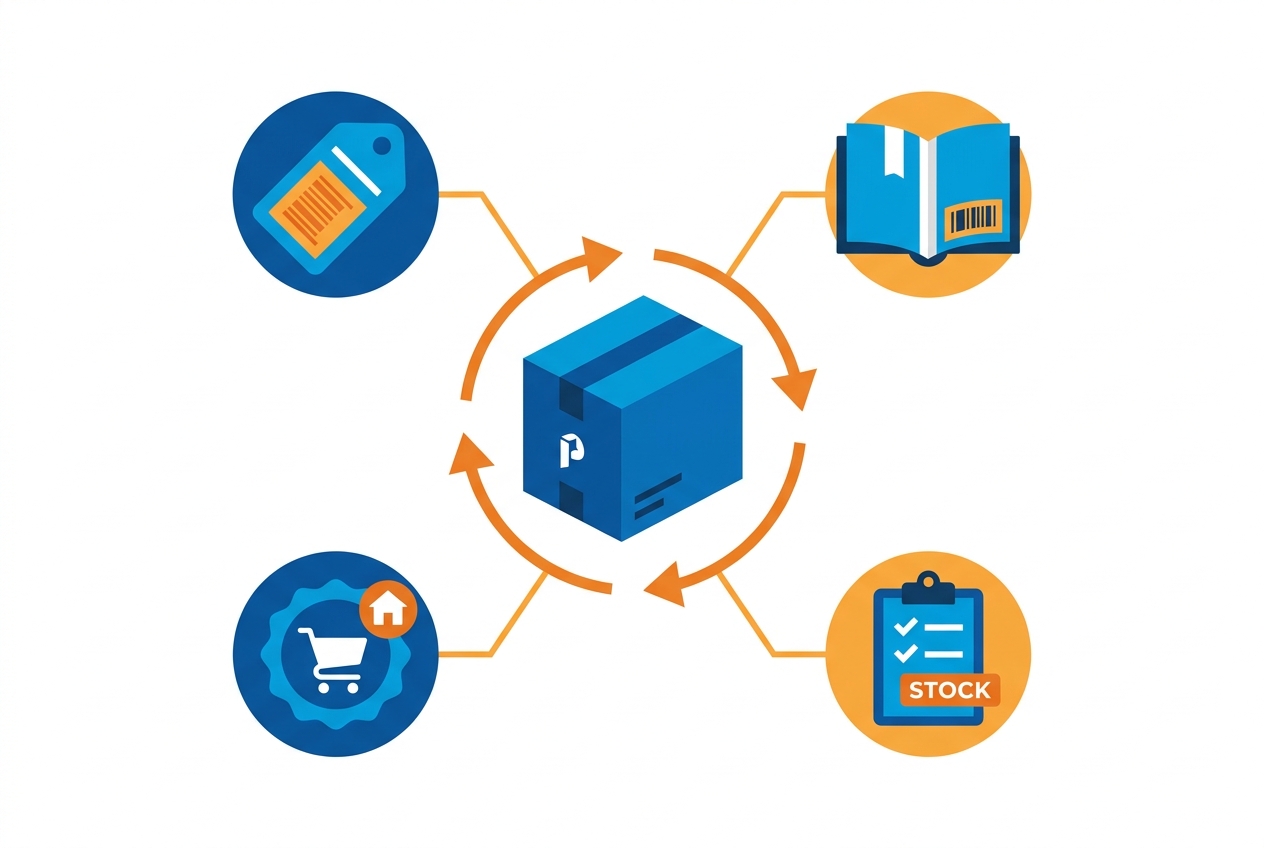
Sellers juggle several identifiers, and they’re not interchangeable. The differences at a glance:
The relationships in one line: your SKU is private to you, the GTIN (UPC/EAN) identifies the product globally, and the ASIN is Amazon’s internal page for it — there’s no direct “ASIN to UPC” conversion, but a product’s page lists both, and matching tools cross-reference them. If your products don’t have barcodes yet, start with our guide to generating EAN codes for your business.
How to get an ASIN for your product
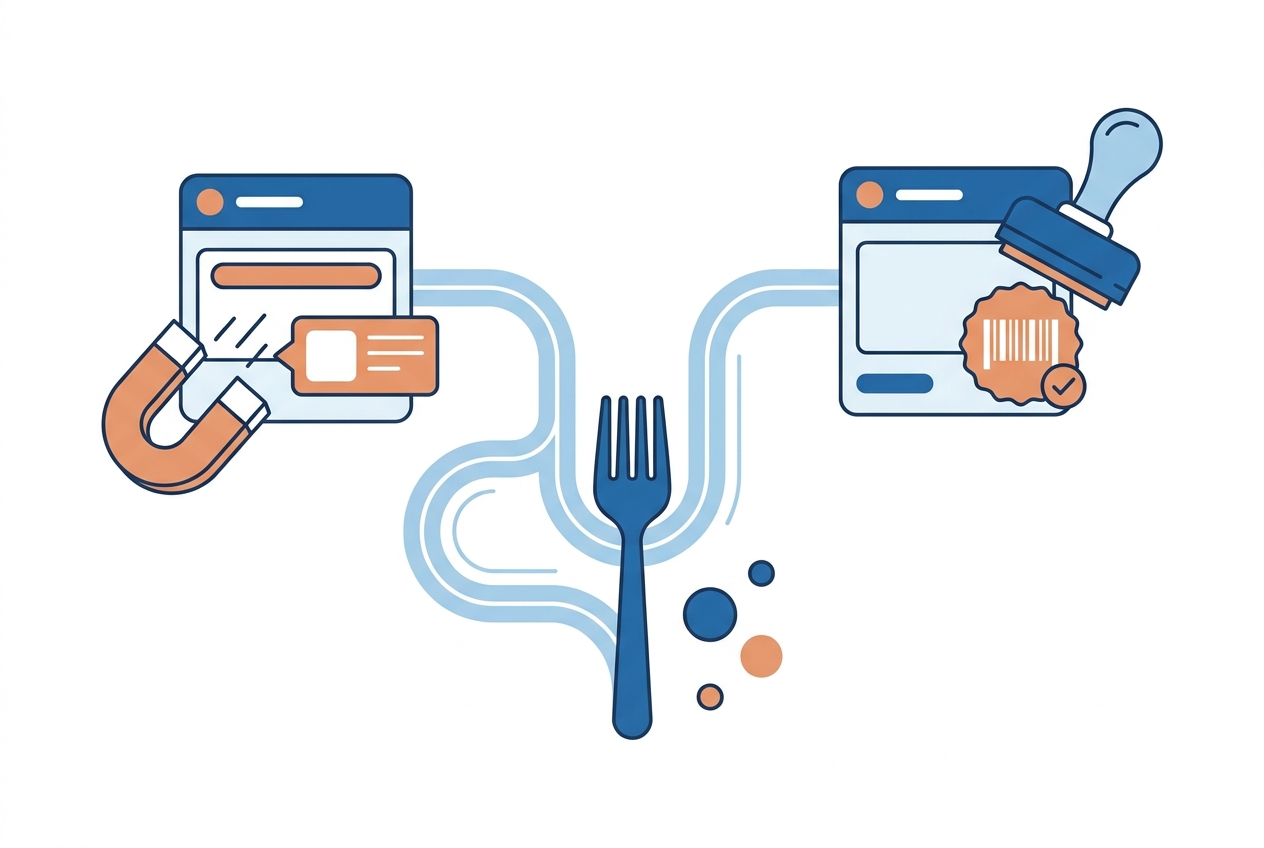
You never buy or register an ASIN directly — Amazon assigns them. There are exactly two paths:
- The product already exists on Amazon → match it. Search the catalog by GTIN (UPC/EAN) or name in Seller Central and add your offer to the existing ASIN. You don’t create anything; you attach to the page that’s already there. Creating a duplicate ASIN for an existing product violates Amazon’s catalog policy and gets listings suppressed.
- The product is new to Amazon → create a listing. Add a new product in Seller Central with its details and its GTIN, and Amazon assigns a fresh ASIN when the listing goes live. Amazon requires a GTIN for most categories; if your products legitimately don’t have barcodes (handmade, private label in some cases), you can apply for a GTIN exemption instead.
That’s the entire mechanics — the real work is having clean product data (correct GTINs, brand, titles) so you match the right pages and your new listings are approved without friction. The same discipline that powers a good product feed everywhere else applies doubly on Amazon, where the identifier is the listing’s anchor.
Why ASINs matter for sellers
ASINs look like a technicality, but they’re the backbone of Amazon selling:
- One page, many sellers. Because every offer for a product hangs off the same ASIN, you’re in direct, visible price competition with everyone else on that page — the buy box goes to the strongest offer.
- Advertising runs on ASINs. Sponsored Products target and report at ASIN level; product-targeting campaigns literally aim at competitors’ ASINs.
- Competitor monitoring runs on ASINs. Tracking what rivals charge for the products you sell means tracking their ASINs — price, stock and buy-box status over time. That’s the job of marketplace competitor analysis, and it’s how you decide when to hold price and when to move, the same dynamic we unpack in how Amazon itself uses real-time repricing.
- Variations structure your catalog. Parent/child ASINs group sizes and colours so reviews and traffic pool on one page instead of fragmenting.
Frequently asked questions
What does ASIN stand for?
Amazon Standard Identification Number — the 10-character alphanumeric code Amazon assigns to every product in its catalog.
How do I look up an ASIN number?
The fastest way is the product URL: the ASIN sits right after /dp/. It’s also listed in the “Product information” section of every listing, and in your Seller Central inventory reports.
Is an ASIN the same as a UPC or EAN?
No. UPC and EAN are global GS1 barcodes that identify a product everywhere; the ASIN is Amazon’s internal identifier for its own catalog page. A product page carries both, and you typically need a UPC/EAN to create a new ASIN.
Do I need a GTIN (barcode) to get an ASIN?
For most categories, yes — Amazon asks for a UPC/EAN when you create a new listing. If your products genuinely have no barcodes, you can apply for a GTIN exemption in Seller Central.
Are ASINs the same on every Amazon marketplace?
Usually, but it’s not guaranteed — the same product can carry different ASINs on different Amazon marketplaces, so always verify per marketplace when you work internationally.
Can two products share one ASIN?
No — one ASIN identifies one product (or one variant, via child ASINs). Multiple sellers share an ASIN when they offer the same product, which is exactly what makes Amazon price competition so direct.
ASINs are where Amazon’s transparency starts: one identifier, one page, every competing offer visible on it. Once your products are matched, the winning move is knowing that page’s market better than the sellers you share it with — price monitoring keeps every ASIN you sell (and compete against) in view, in real time.


