Paul Morello
Amazon SEO is the practice of optimizing a product listing — title, bullet points, images, backend keywords, price, and availability — so it ranks higher in Amazon’s search results and converts more of the shoppers who see it. That second half matters: on Amazon, ranking and conversion are the same system. The algorithm promotes listings that sell, so amazon listing optimization isn’t copywriting cosmetics — it’s a performance loop. This guide covers the whole loop: how Amazon’s ranking actually works, keyword research, every listing element, the pricing signals most guides skip, and what changes now that AI assistants like Rufus sit between shoppers and the shelf.
In this guide
- How Amazon’s search ranking works
- Keyword research for Amazon listings
- Optimize the product title
- Bullet points, description & A+ content
- Backend search terms
- Images that earn the click
- Price, availability & the Buy Box
- Amazon SEO in the AI era (Rufus)
- How to measure what’s working
- Frequently asked questions
How Amazon’s search ranking works
Amazon’s search algorithm — sellers usually call it A9, or A10 in its current iteration — weighs two families of signals:
- Relevance signals: does your listing contain the words shoppers search for? Title, bullets, description, backend search terms, and structured attributes (brand, size, color, material) all feed the index.
- Performance signals: does your listing sell when shown? Click-through rate from search, conversion rate on the page, sales velocity, price competitiveness, in-stock rate, and reviews all decide whether Amazon keeps promoting you.
This is the core difference from Google: Google ranks pages that answer questions; Amazon ranks products that convert. You can’t keyword-stuff your way past a listing that outsells yours. The practical order of operations follows from that: get indexed for the right terms (relevance), then win the impression (main image + price), then win the sale (page quality). Every section below maps to one of those three jobs.

Keyword research for Amazon listings
Finding the right keywords for an Amazon listing is closer to merchandising than to classic SEO. The sources that actually produce, in the order I use them:
- Amazon’s own search bar. Autocomplete suggestions are real queries, ranked by popularity. Seed it with your product type and harvest the variations.
- Search Query Performance (Brand Analytics, for brand-registered sellers): the actual queries where your ASINs appear, with your click and purchase share per query. This is ground truth — start here if you have it.
- Competitor listings. Pull the titles and bullets of the top 5 organic results for your main term; the vocabulary they share is the index vocabulary.
- Third-party tools (Helium 10, Jungle Scout and similar) for search-volume estimates and reverse-ASIN lookups — useful for scale, but validate against the sources above.
Then sort the harvest into three buckets: primary (the one term the title is built around), supporting (bullets and attributes), and backend (synonyms, abbreviations, common misspellings). One warning from experience: chasing a high-volume term your product only half-matches destroys performance signals — impressions without conversions teach Amazon to stop showing you.
Optimize the product title
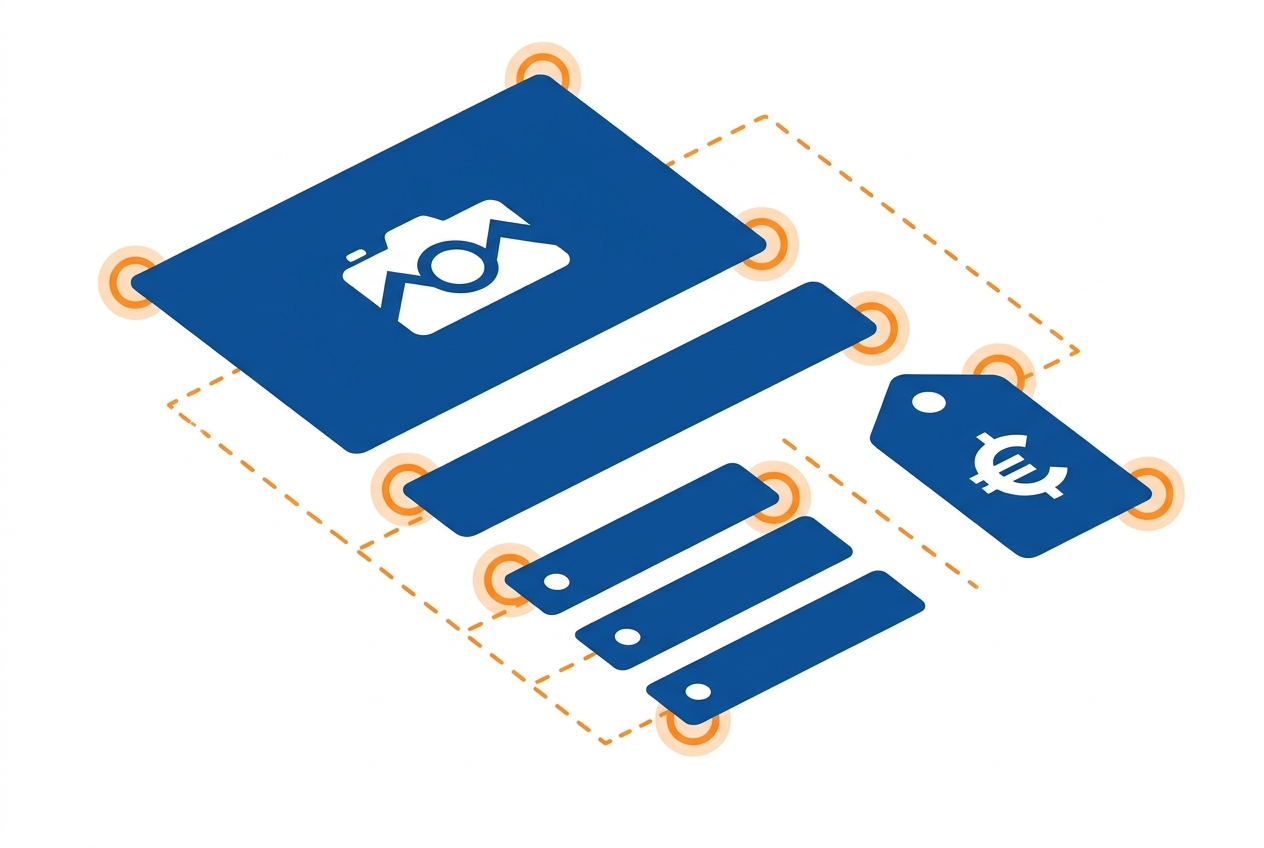
The title is your strongest relevance signal and your first conversion asset. The working formula:
Brand + product type + key attribute + size/count + differentiator — “AcmePro Stainless Steel Water Bottle, 32 oz, Insulated, Leak-Proof Lid”.
- Front-load the first ~80 characters. Mobile search results and Rufus citations truncate early; the primary keyword and product type must survive the cut.
- Respect the 200-character cap. Since January 2025 Amazon enforces it strictly in most categories — non-compliant titles get flagged and, if not corrected, auto-edited or suppressed. Most categories convert best at 80–150 characters anyway.
- No promo language. “Best”, “free shipping”, ALL CAPS, emoji and special characters like “!” or “?” are against title policy and flag the listing for suppression.
- Don’t repeat words. Policy allows the same word at most twice per title (articles and prepositions aside) — and repetition adds zero relevance while burning characters.
Bullet points, description & A+ content
Bullets carry both relevance (they’re indexed) and conversion (they’re read). Write five, each opening with the benefit in a few bold-worthy words, followed by the supporting spec: “KEEPS DRINKS COLD 24 HOURS — double-wall vacuum insulation…”. Work your supporting keywords in naturally, one theme per bullet: materials, capacity, use cases, compatibility, guarantee.
For the description: if you’re brand-registered, skip the plain-text description entirely and build A+ content — comparison tables, banners, brand story. A+ modules aren’t indexed for search the way bullets are, but they raise conversion measurably, and conversion is a ranking signal, so it feeds back into rank anyway. If you sell the same catalog on your own store, don’t copy-paste: the same product needs different treatment per channel — our guide to SEO product descriptions covers the website side of that split.
Backend search terms
The backend “Search Terms” field takes up to 250 bytes of keywords shoppers never see. Rules that keep it effective and compliant:
- No words already in your title or bullets — duplicates add nothing.
- No competitor brand names — it’s against policy and can get the field ignored.
- No commas needed; spaces separate terms. Singular or plural, one is enough.
- Spend the bytes on synonyms, regional variants, and misspellings (“water bottle” / “flask” / “cantimplora” if you serve Spanish-language shoppers).
Note it’s 250 bytes, not characters — accented characters cost more. Amazon ignores the entire field when it exceeds the limit, which is the most silent way to lose indexation I know of.
Images that earn the click
Images decide your click-through rate in search — and CTR is a ranking signal, so photography is SEO here:
- Main image: pure white background, product filling ~85% of the frame, at least 1000px on the longest side so zoom works. This one image does more for rank than any keyword tweak.
- Fill the gallery (six to eight images): lifestyle shots, dimensions infographic, feature close-ups, packaging/what’s-in-the-box, and a short video if you have one.
- Design the second image for mobile — most Amazon browsing happens there, and image two is what shoppers swipe to first.

Price, availability & the Buy Box
Here’s the part most Amazon SEO guides skip: price is a ranking input. Price competitiveness decides who wins the featured offer (the Buy Box) and feeds the performance signals that drive search placement — and Amazon benchmarks you not just against other Amazon sellers but against the wider market, a reference Seller Central exposes as the competitive external price. Price too far above it and your featured offer can be suppressed outright; price suspiciously low and Amazon may suppress it too, as error protection. The screws are tightening: from July 2026 Amazon is rolling the featured offer onto a “rank-only” model in which price, delivery promise, and account-quality metrics feed one ranking formula directly.
Three operational rules follow:
- Know the competitive band per SKU. Continuous price monitoring across marketplaces and competitor stores tells you where your offer actually sits — most sellers who “feel competitive” are guessing.
- Reprice within floors, automatically. When multiple sellers share a listing, the featured offer rotates on price, fulfillment speed, and seller metrics. A dynamic repricing rule with a hard minimum margin reacts in minutes without racing below your floor.
- Never go out of stock on your ranked SKUs. Stock-outs bleed sales velocity, and recovering rank after restock takes weeks. Treat inventory alerts as part of SEO.
Every product also needs a valid identifier — a GTIN/UPC behind the ASIN — and consistent structured attributes; mismatched identifiers are a common reason variations fail to index.
Amazon SEO in the AI era (Rufus)
Since Amazon rolled out Rufus, its AI shopping assistant, a growing share of sessions starts with a conversational question (“what water bottle keeps drinks cold all day for hiking?”) instead of a two-word query. Rufus composes answers from listing content — titles, bullets, A+ text, reviews, and Q&A. The optimization consequences are concrete:
- Write bullets that answer use-case questions (“fits standard car cup holders”) rather than listing specs alone — that’s the sentence an assistant lifts.
- Complete every structured attribute in the listing editor, even optional ones. AI features rely on structured data more than the classic index did.
- Mind your review themes. Rufus summarizes them; recurring complaints become part of how the AI describes your product. Fix the product problem, not just the copy.
How to measure what’s working
Amazon gives you the loop’s instruments: Search Query Performance (impressions → clicks → add-to-carts → purchases per query, against the category), Business Reports (sessions and unit session percentage per ASIN — your conversion rate), and your featured-offer percentage. The working cadence I recommend: change one element at a time, wait two weeks, compare the funnel per target query. If impressions rose but clicks didn’t, it’s the main image or price; if clicks rose but purchases didn’t, it’s the page — bullets, images, reviews, or a price that survives the click but loses the comparison.
Frequently asked questions
What is Amazon SEO?
Amazon SEO is optimizing product listings to rank higher in Amazon search and convert more visitors — through keywords in the title, bullets and backend fields, better images, competitive pricing, and strong sales performance. Relevance gets you indexed; performance keeps you ranked.
How is Amazon SEO different from Google SEO?
Google ranks content that answers a query; Amazon ranks products that sell. Backlinks don’t matter on Amazon, while conversion rate, price competitiveness, and stock availability do. The keyword work is similar; the ranking currency is completely different.
How long should an Amazon product title be?
Stay within your category’s limit (around 200 characters max) but aim for 80–150, with the primary keyword and product type in the first 80 — that’s what survives truncation on mobile and in AI answers.
Does price affect Amazon ranking?
Yes. Price competitiveness influences both search placement and the featured offer (Buy Box), and Amazon benchmarks your price against the broader market, not just other Amazon sellers. Monitoring competitors and repricing within margin floors is part of listing optimization, not separate from it.