 Paul Morello
A Google Shopping feed is the product data file that powers your Shopping ads, free listings and Performance Max campaigns — and it’s where those campaigns are actually won or lost. Bids get the attention, but the feed decides which queries you’re eligible for, how your product looks in the results, and whether Google trusts your data at all. After fifteen years running product data into Google, I can tell you the highest-ROI hour in most accounts is spent in the feed, not the campaign settings. This guide covers the Google Shopping feed types, the requirements that matter, and the optimization tactics that reliably lift impressions and clicks.
What you’ll find in this guide
- What is a Google Shopping feed?
- Google Shopping feed types
- Requirements and key attributes
- Google Shopping feed optimization
- Shopify, WooCommerce, Magento & BigCommerce notes
- Frequently asked questions
What is a Google Shopping feed?
It’s the structured file — XML or tab-delimited text — that you submit to Google Merchant Center, listing every product with the attributes Google’s spec requires: id, title, description, link, image, availability, price, identifiers and more. Merchant Center reads it, approves (or disapproves) each product, and from there the same data serves Shopping ads, free listings and Google’s AI shopping surfaces. The account side — setup, policies, disapprovals — is covered in our Google Merchant Center guide; the full field-by-field spec lives on our Google Shopping feed page. This article is about the layer in between: structuring and optimizing the feed itself.
Google Shopping feed types
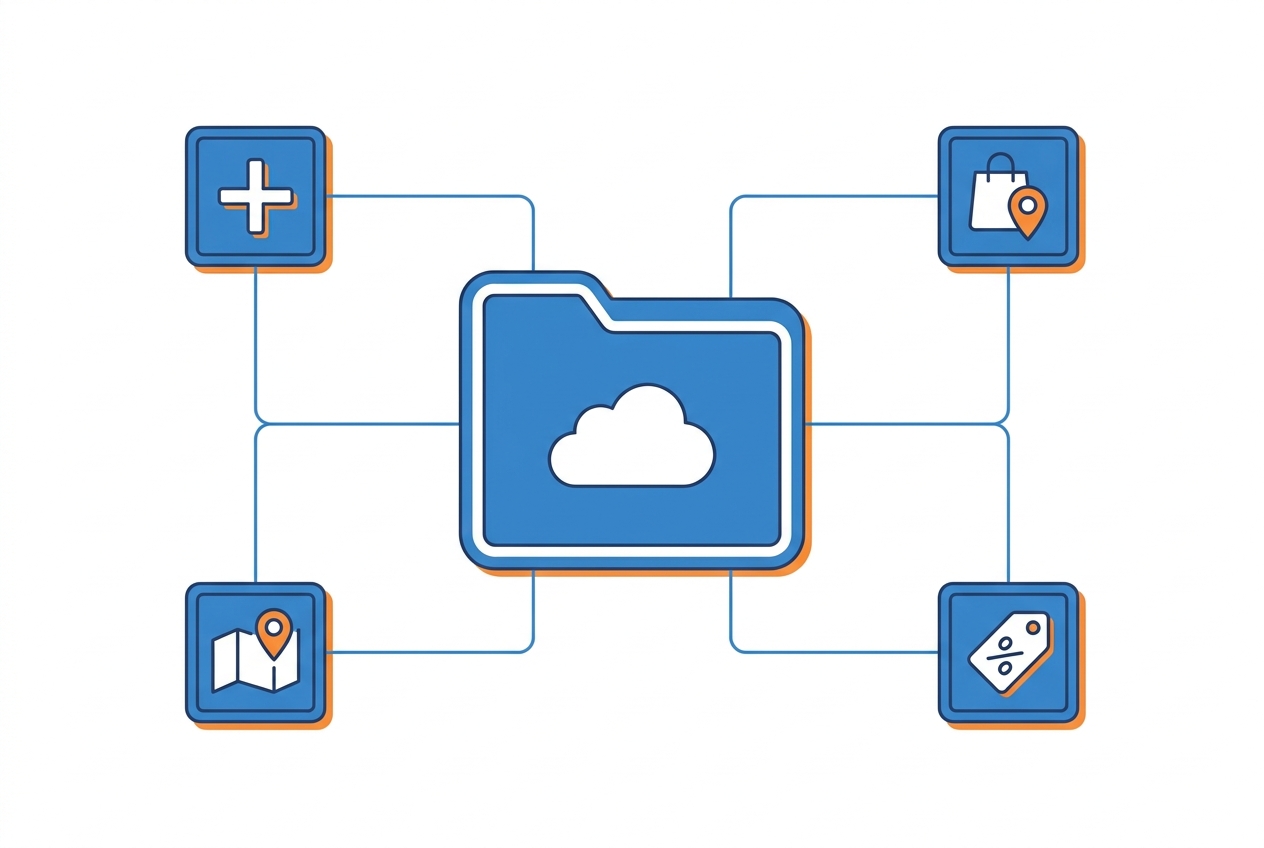
“The feed” is really a small family of feeds, each with a job:
Requirements and key attributes
The requirements that decide approval: unique id, accurate title and description, working link and image_link, current availability and price, plus brand and gtin/mpn for most products — with apparel adding size, colour, gender and age group. Two traps catch most merchants: price/availability mismatch between feed and landing page (the classic disapproval, fixed by refreshing daily or intraday), and identifier sloppiness (wrong GTINs match you to the wrong products, or block approval). The complete, always-current field list is on the spec page — what matters here is that requirements are the floor, not the goal: approval gets you into the auction, and everything below decides how you perform in it.
Google Shopping feed optimization
There are no keywords to bid on in Shopping — your feed is your keyword targeting. Google matches queries against your product data, which makes these the levers that move performance:
- Titles shaped like queries. Front-load what shoppers type: brand + product type + the defining attributes (model, size, colour). “Nike Air Zoom Pegasus 41 Men’s Running Shoes, Size 10” beats “Pegasus 41 — the legend returns.” Match the word order to search behaviour, not brand poetry.
- Both category fields, used properly.
google_product_categorymaps you into Google’s taxonomy;product_typeis your own tree and can be as specific as you like. Precision here sharpens query matching and makes campaign segmentation possible. - Custom labels as your campaign language.
custom_label_0–4carry whatever segmentation you want into Google Ads: margin band, price band, season, bestseller status, clearance. This is how you bid differently on products that deserve different bids — and where pricing data becomes campaign structure. - Supplemental feeds for iteration. Test improved titles or add labels through a supplemental feed without rebuilding the primary — change one layer, measure, keep what wins.
- Images that survive the grid. Clean, high-resolution, no watermarks or overlay text (a policy issue anyway) — your image competes in a grid of rivals at thumbnail size.
- A competitive price, kept current. Shopping is a price-transparent format: shoppers see rival offers side by side, and price competitiveness influences both clicks and how your ads perform. Feed optimization that ignores the price attribute is grooming a product nobody clicks — this is where price monitoring and repricing plug directly into feed performance.
The general method — completeness, normalization, freshness — is the same one from our product feed optimization guide; the tactics above are its Google-specific edge.

Shopify, WooCommerce, Magento & BigCommerce notes
Every major platform can produce a Google Shopping feed; the difference is control. Shopify’s Google channel and the popular WooCommerce plugins sync automatically but expose limited rule logic; Magento and BigCommerce setups vary with the extension. The pattern that scales on all of them: keep the platform as the catalog source of truth, and run the feed through a feed management layer that owns mapping, rules, labels and refresh — so optimization lives in one place, not four plugins.
Frequently asked questions
How do I create a Google Shopping feed?
Generate it from your platform or feed tool as XML or tab-delimited text mapped to Google’s product data spec, then register it in Merchant Center as your primary feed — by scheduled fetch, upload, or API. Products go through review before serving.
How often should the feed update?
At minimum every 30 days by policy — but in practice, as often as your prices and stock change: daily as a floor, intraday if you reprice. Stale price or availability is the most common disapproval there is.
What are custom labels in a Google Shopping feed?
Five free-form attributes (custom_label_0 to 4) that carry your own segmentation — margin, price band, season, bestsellers — into Google Ads, so campaigns can group and bid on products the way your business actually thinks about them.
What’s the difference between required and recommended attributes?
Required attributes decide approval; recommended ones (like product_type, additional images, sale price annotations) improve matching and presentation. Treat recommended as required for any product you care about — completeness is a ranking asset.
Does price affect Google Shopping performance?
Yes — Shopping shows competing offers side by side, so your price influences click-through directly, and Google surfaces price competitiveness signals to advertisers. A current, competitive price attribute is feed optimization, not just pricing strategy.
The feed is the campaign. Shape titles like queries, wire your segmentation into custom labels, keep the data fresh — and let the price that flows in be one you’d actually want the whole market to see, straight from your feed management and repricing stack.


