Paul Morello
Product identifiers — GTIN, UPC, EAN, ISBN, MPN and ASIN — are the connective tissue of ecommerce: the codes that tell Google, Amazon, eBay and every comparison engine which product your listing actually is. Get them right and your products match, rank and monitor cleanly everywhere; get them wrong and you inherit rejected feeds, mismatched listings and invisible offers. After fifteen years working with product catalogs, identifiers are the first thing I audit — because every other data problem hides behind them. Here’s what each identifier means, how they relate (the GTIN/UPC/EAN confusion ends today), which channels require which, and how to get codes for your own products.
What you’ll find in this guide
- What is a GTIN?
- The identifiers, one by one
- GTIN vs UPC vs EAN: how they relate
- Which channels require which identifiers
- How to get identifiers for your products
- Frequently asked questions
What is a GTIN?
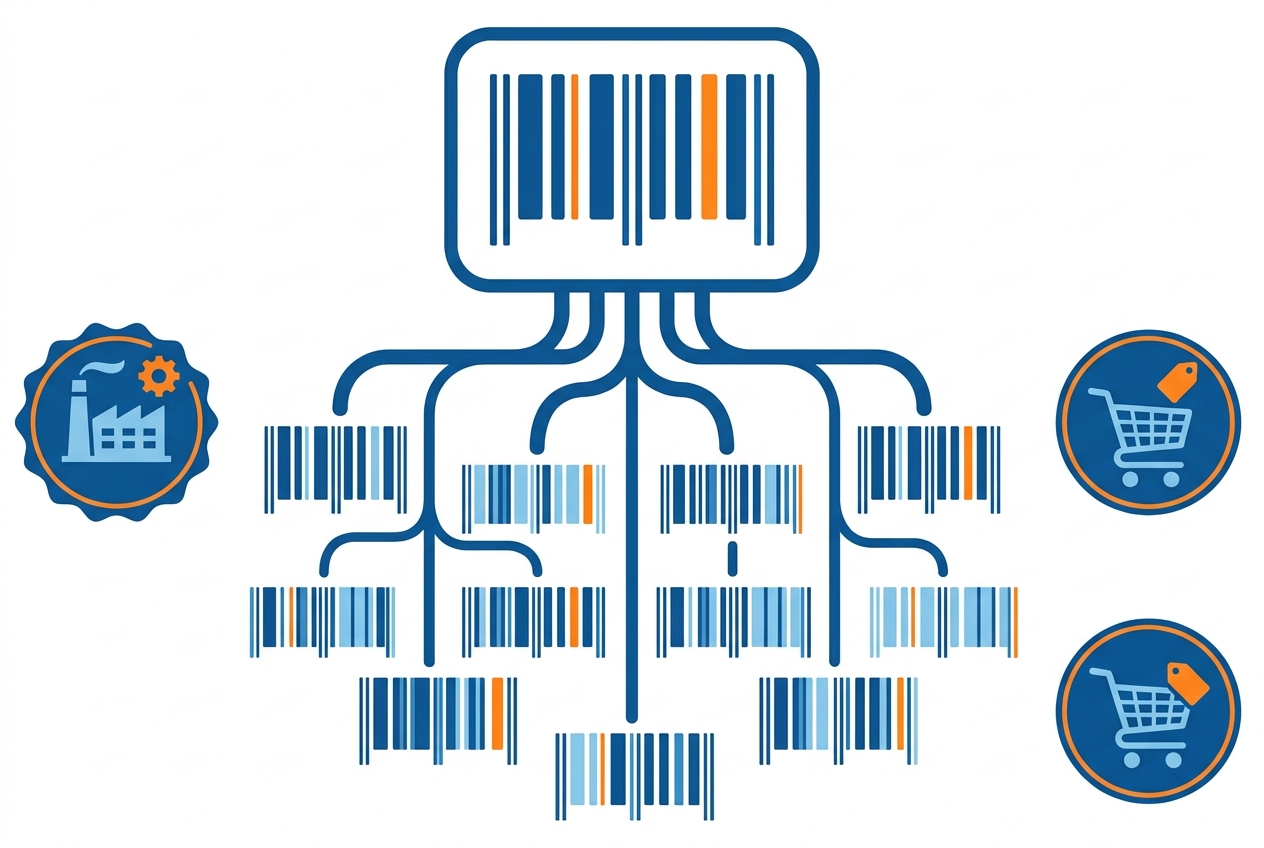
GTIN stands for Global Trade Item Number — the GS1 standard that underpins nearly every product barcode on Earth. The key thing to understand is that GTIN is a family name, not a separate code: a UPC is a GTIN, an EAN is a GTIN, just in different lengths. The family has four members — GTIN-8 (short EAN for tiny packages), GTIN-12 (the North American UPC), GTIN-13 (the international EAN) and GTIN-14 (case and multipack packaging levels). When a channel like Google asks for a “GTIN”, it’s asking for whichever of these your product legitimately carries.
GTINs are issued through GS1, the global standards body — which matters, because a GTIN is only as trustworthy as its source. Codes bought from cut-rate “barcode resellers” often trace back to someone else’s GS1 prefix, and marketplaces increasingly validate ownership.
The identifiers, one by one
MPN deserves one extra beat, because it’s the most misunderstood of the set: the manufacturer part number is whatever code the maker stamped on the product — no global registry, no fixed format. It only identifies a product reliably when paired with the brand, which is exactly how channels ask for it (“brand + MPN”) when a GTIN doesn’t exist. ASIN is the other special case — Amazon’s internal page ID rather than a portable code; we unpack it fully in our Amazon ASIN guide.
GTIN vs UPC vs EAN: how they relate
The confusion dissolves with one sentence: UPC and EAN aren’t alternatives to GTIN — they’re kinds of GTIN. A 12-digit UPC is a GTIN-12; a 13-digit EAN is a GTIN-13; and any UPC can be written as an EAN by adding a leading zero. So when Google’s spec asks for gtin, your existing UPC or EAN goes straight in — no conversion, no separate code to buy. And there’s no such thing as “converting an ASIN to a UPC”: a product’s Amazon page simply lists both, because they’re different systems pointing at the same item.
Which channels require which identifiers
- Google Shopping asks for
gtinplusbrand(andmpnwhere no GTIN exists), withidentifier_existsfor products that genuinely have none — details in the Google Shopping feed spec. Correct identifiers drive matching and eligibility. - Amazon requires a GTIN (UPC/EAN) to create a new listing — that’s how it decides whether your product already exists as an ASIN or needs one — unless you hold a GTIN exemption.
- eBay uses identifiers in item specifics; branded new products increasingly need them to list well, as we cover in how to sell on eBay.
- Comparison engines and marketplaces (idealo, Bol, Fnac, OnBuy…) match offers to product pages by EAN — no identifier, no match, no listing.
There’s a second, underrated payoff: identifiers are what make your catalog comparable. Matching your products to competitors’ offers across the market — the foundation of price monitoring — runs on GTINs, which is why product matching gets dramatically more accurate the moment your identifier coverage is complete.
How to get identifiers for your products
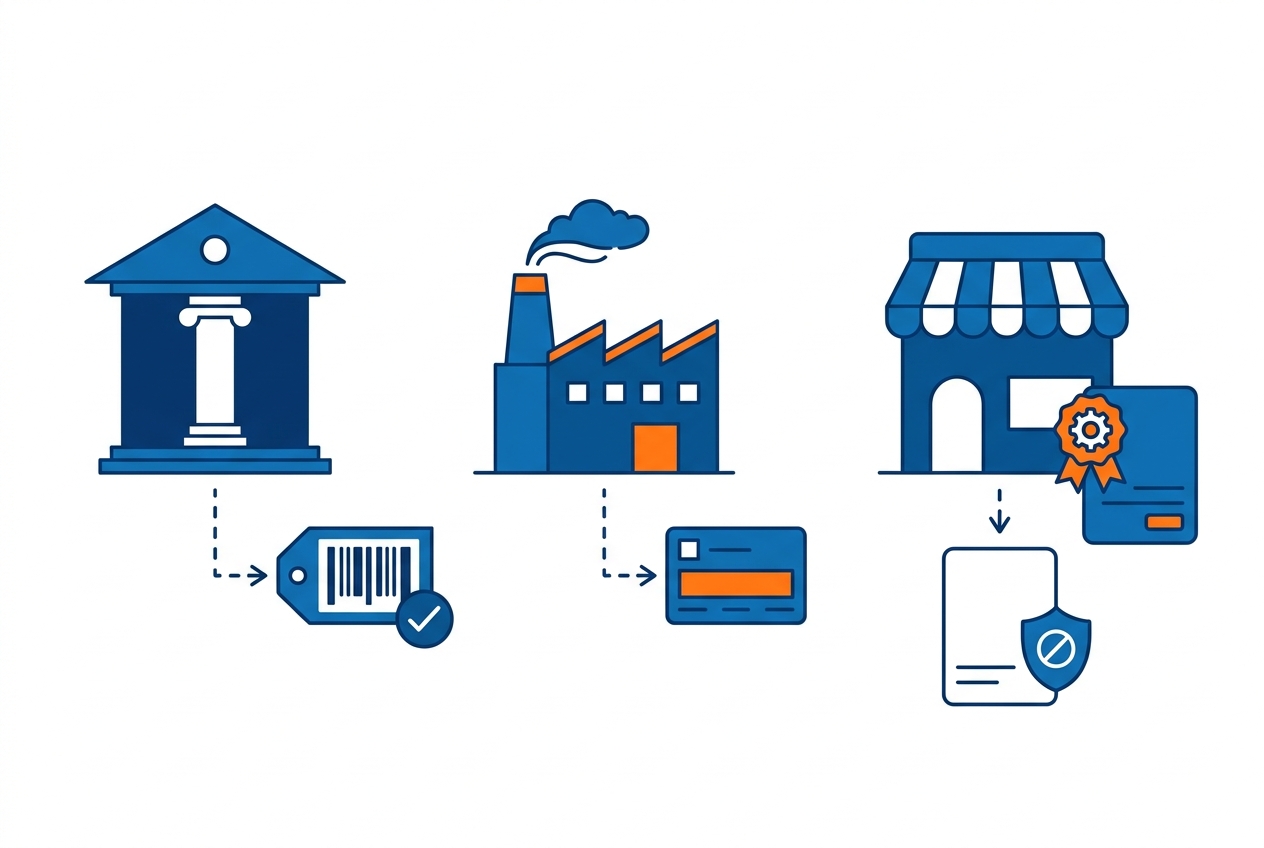
- GTINs (UPC/EAN): license them from GS1. Join your national GS1 office, get a company prefix, assign codes per product. Avoid third-party “cheap barcode” resellers — marketplaces validate GTIN ownership against GS1 data, and recycled codes cause listing rejections. Practical walkthrough: how to generate EAN codes for your business.
- MPN: it comes from the manufacturer. If you make the product, define a stable internal part-numbering scheme and publish it; if you resell, copy the maker’s MPN exactly.
- ASIN: Amazon assigns it. You never buy an ASIN — you match an existing one or create a listing (with your GTIN) and receive one.
- No barcode, legitimately? Use the exemptions. Handmade, private-label and certain categories can apply for Amazon’s GTIN exemption, and Google’s
identifier_existsattribute covers the same case in feeds. Exemptions are for products that truly have no codes — not a shortcut to skip GS1.
Frequently asked questions
What does GTIN stand for?
Global Trade Item Number — the GS1 family of product codes that includes UPC (GTIN-12), EAN (GTIN-13), GTIN-8 and GTIN-14.
Is a UPC the same as a GTIN?
A UPC is one kind of GTIN — the 12-digit North American version. Every UPC is a GTIN; not every GTIN is a UPC. Channels that ask for a GTIN accept your UPC or EAN as-is.
What’s the difference between GTIN and MPN?
A GTIN is a globally registered retail code issued via GS1; an MPN is the manufacturer’s own part number with no central registry. Channels prefer GTINs and fall back to brand + MPN when no GTIN exists.
Do I need a GTIN to sell online?
For branded new products on major channels, effectively yes — Google wants it in the feed and Amazon wants it to create listings. Genuine no-barcode products (handmade, private label) can use Amazon’s GTIN exemption and Google’s identifier_exists instead.
Can I look up what product a GTIN belongs to?
Yes — GS1’s own verification service checks who a barcode is registered to, and typing a GTIN into Google or a marketplace usually surfaces the product. That’s also how channels catch reused or unowned codes.
Identifiers are boring exactly the way plumbing is boring — invisible until they’re wrong, and everything depends on them. Audit your GTIN coverage this week, fix the gaps at the source, and every feed, listing and price comparison downstream gets more accurate for free.